Windows installation instructions: Double-click the downloaded DowelJoint_win64.msi to install the add-in.
Mac installation instructions (see views 1 to 4): 1. Right-click on the downloads folder. 2. Choose “Open in Finder”. 3. Right-click on the “DowelJoint_macos.pkg” -> “Open With” -> “Installer”. It should open the installer on Mac.
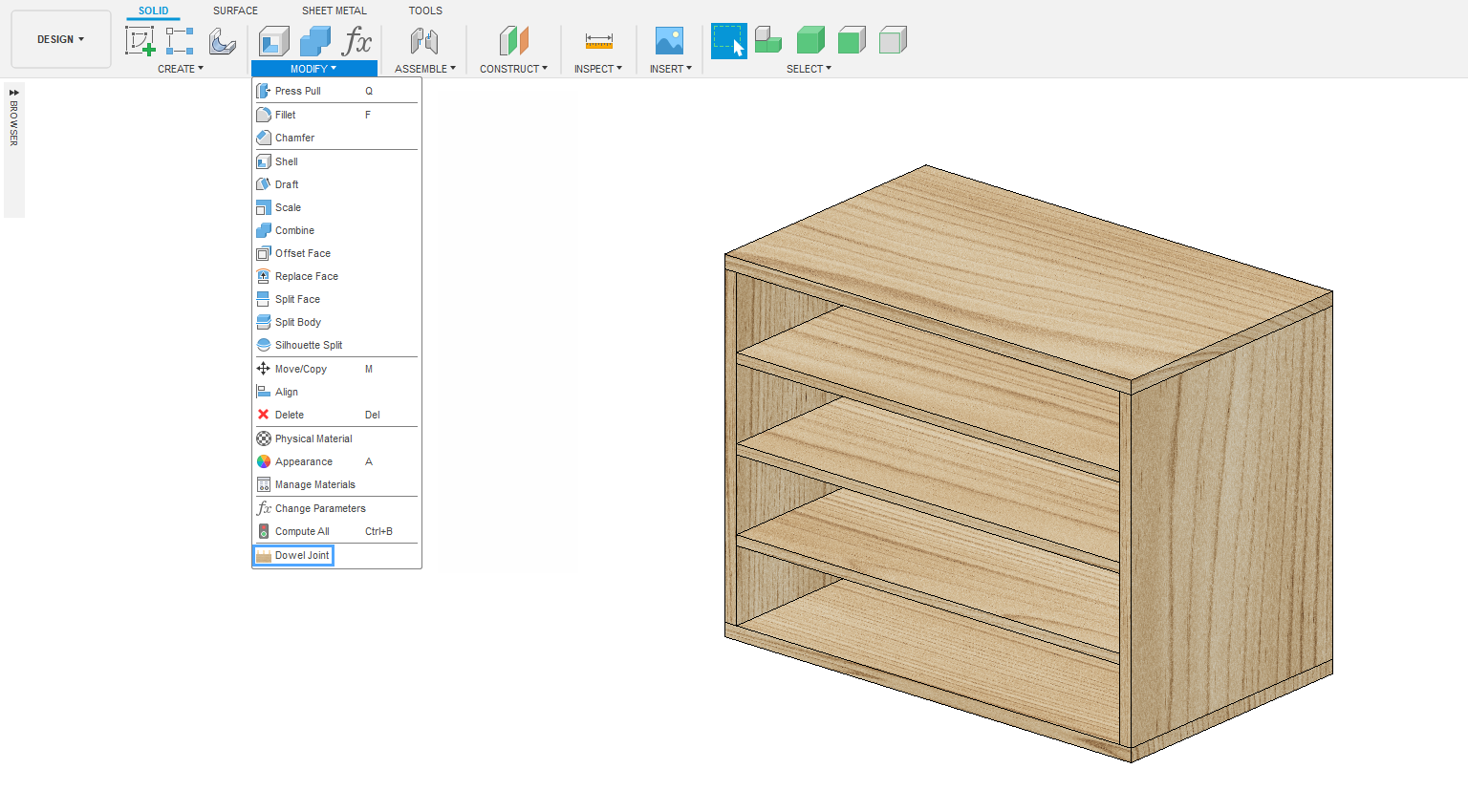
After installing both Windows and Mac: Dowel Joint button will be in the solid tab -> modify (view 5). A license key input field is in the bottom of the add-in window (view 6). Please enter the license key in the license key input field. It should unlock the add-in.
1. Mac - right click on the downloads folder.
2. Mac - open in Finder.
3. Mac - open with Installer.
4. Mac - installer.
5. Win and Mac - press the Dowel Joint button in the modify panel.
6. Win and Mac - Dowel Joint license key input field.



 info@maciejrogowski.com